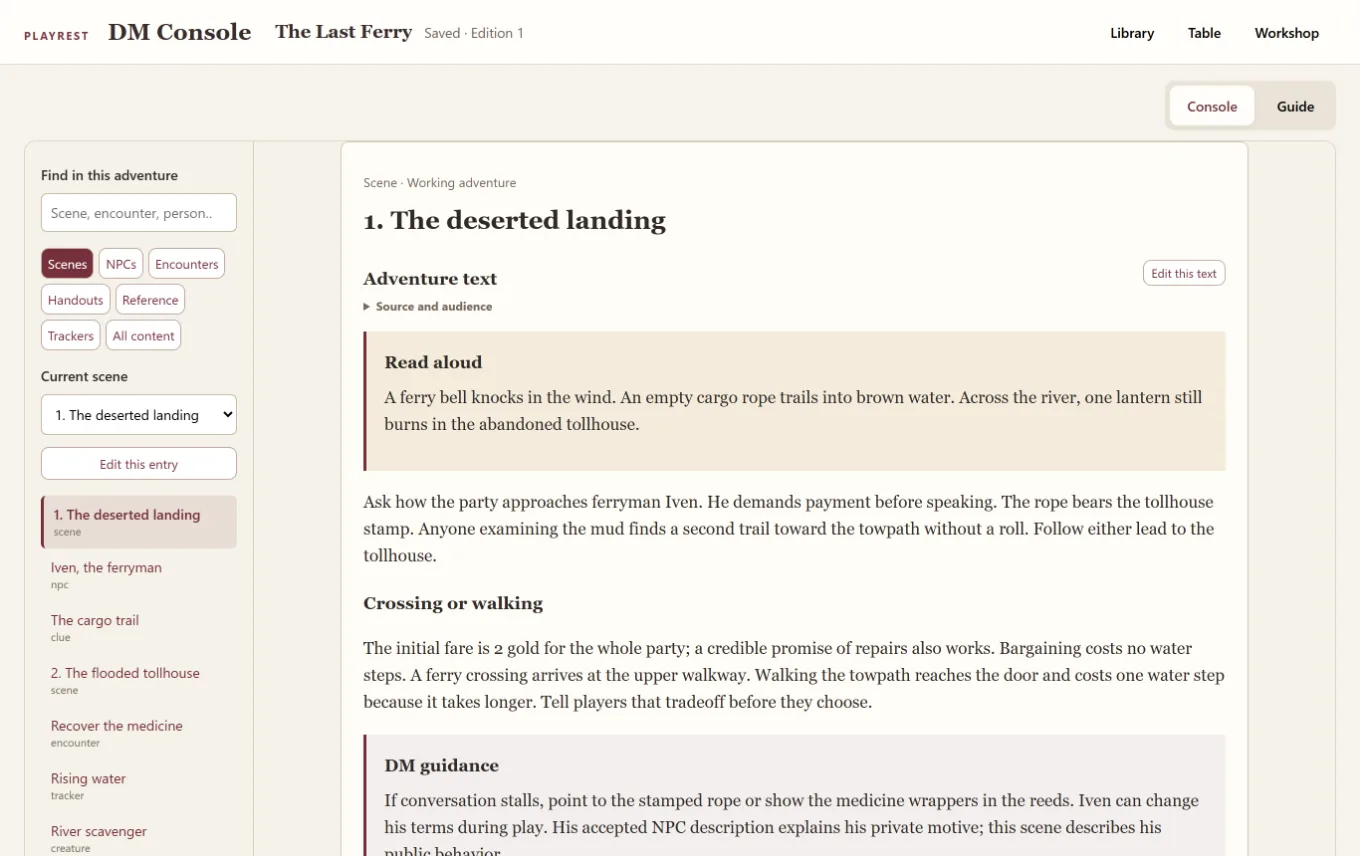
DM Console · an adventure you can run here
The Last Ferry.
A riverside village is missing its flood-relief cargo. A wary ferryman and a rising river stand between the party and the abandoned tollhouse. This is the console a DM runs the adventure from, pictures and all, as one file, in your browser.
Runs in your browser · no sign-up
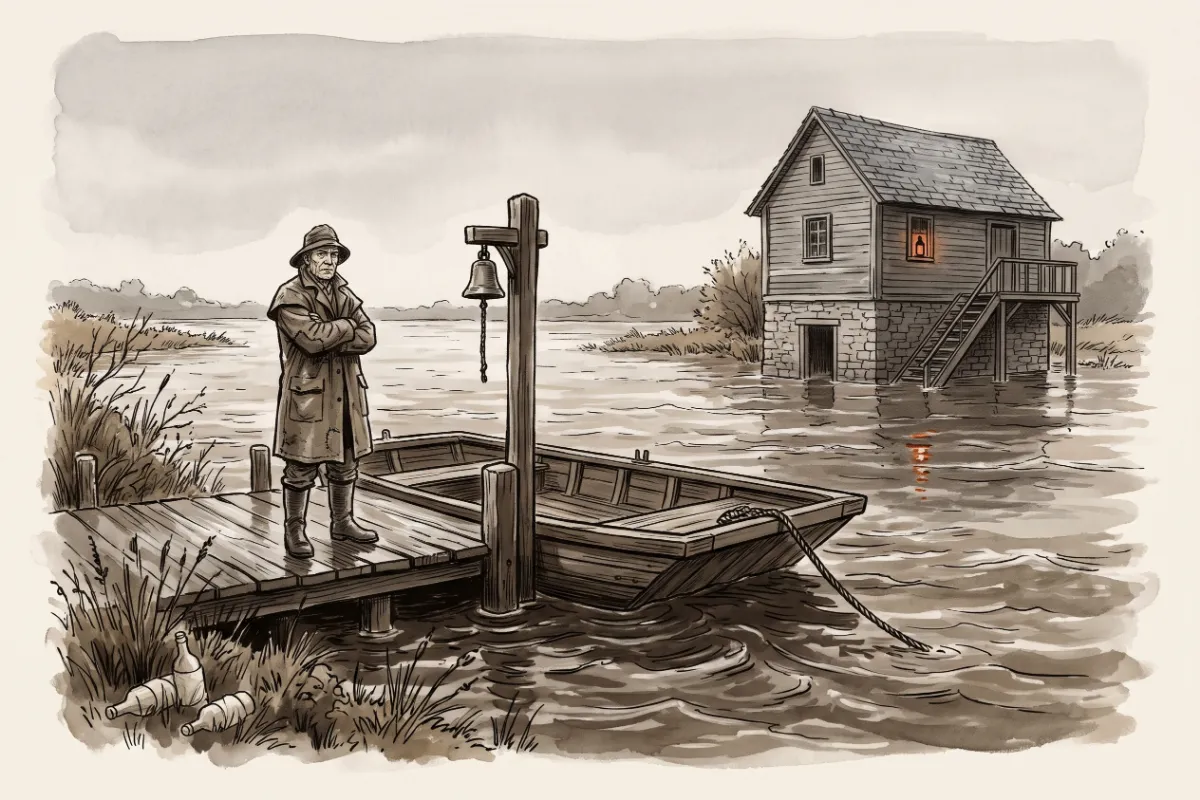
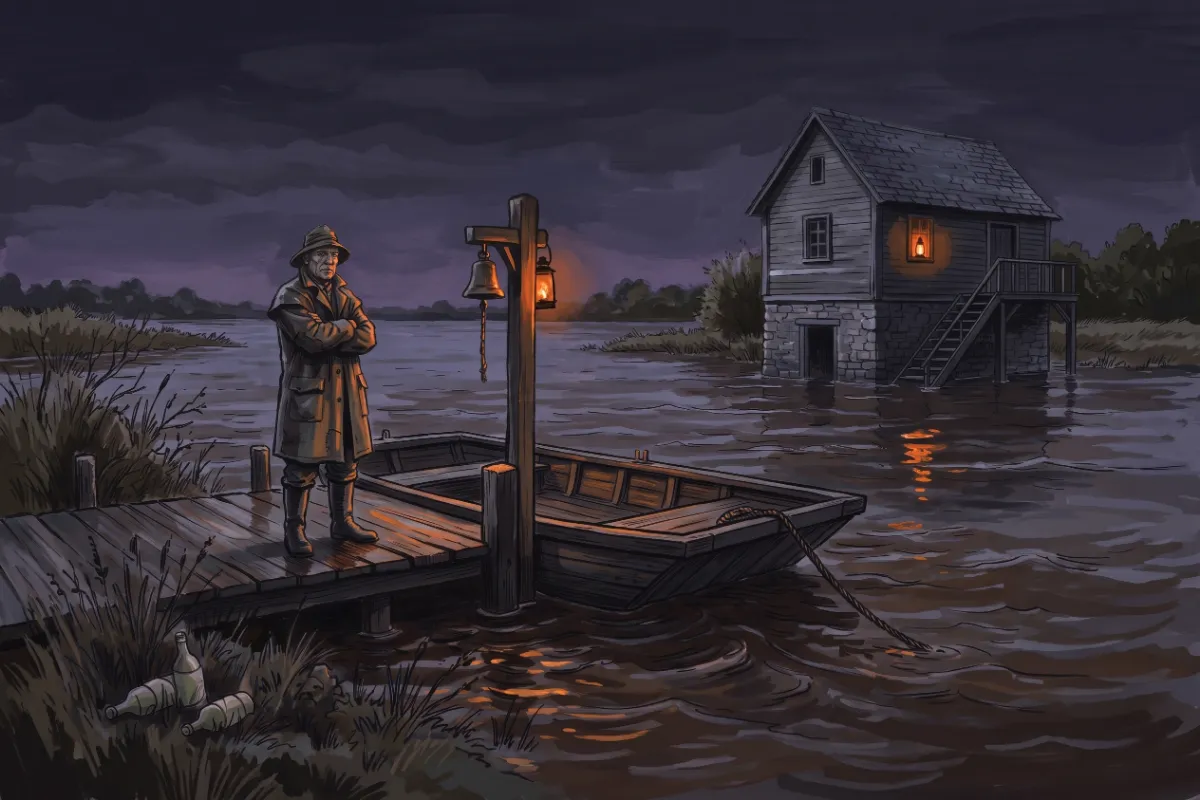
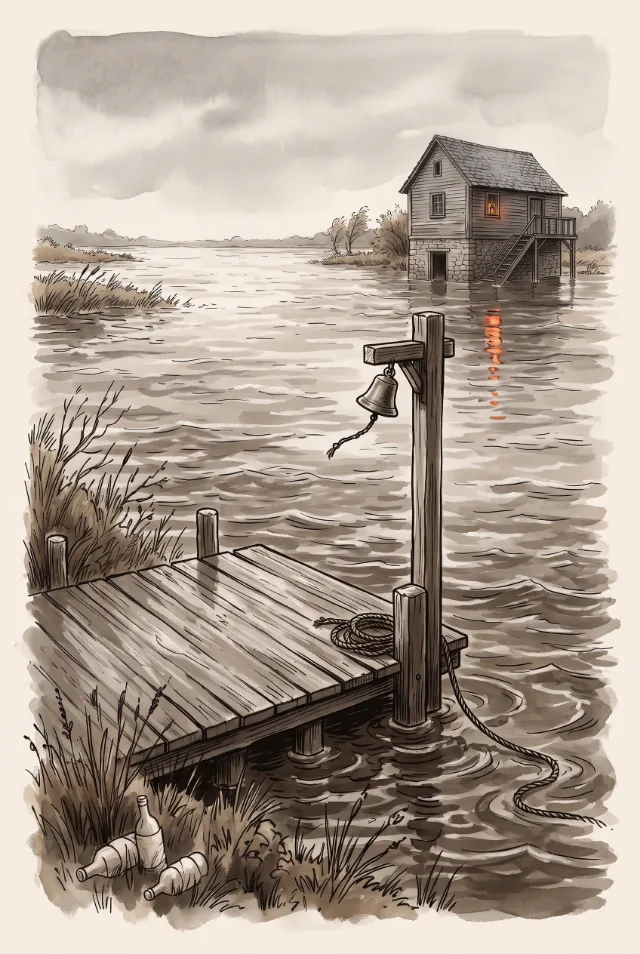
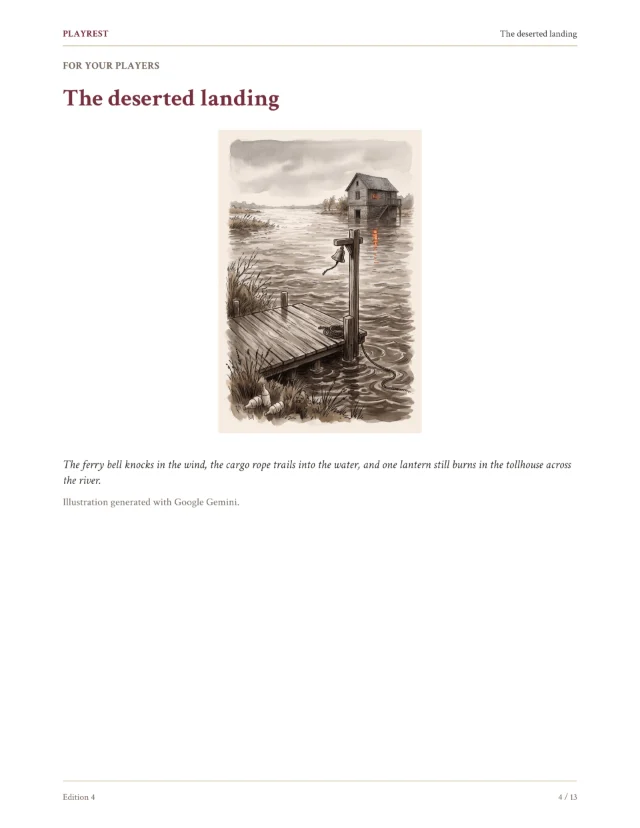
Illustration generated with Google Gemini.
The console
Open full screen
Download the console file
Here, notes and trackers last until you close the page. Download the file and open it from your computer to keep session progress, offline.
Things to try
Five minutes at the ferry.
- 1Pick The deserted landing as the current scene. Read-aloud text is boxed; DM guidance sits under it.
- 2Open the Adventure overview. The four pictures are there, ready to show your players. Tap one to fill the screen.
- 3Find Iven the ferryman under NPCs. What he wants, what he knows, and when he changes his mind.
- 4Search for “cargo”. Open The cargo trail and mark it revealed; every entry can be found mid-scene.
- 5Raise Rising water under Trackers. It tracks how much time the party has left.
- 6Write a session note. Open Session notes and backups, then Save play notes to keep a copy.
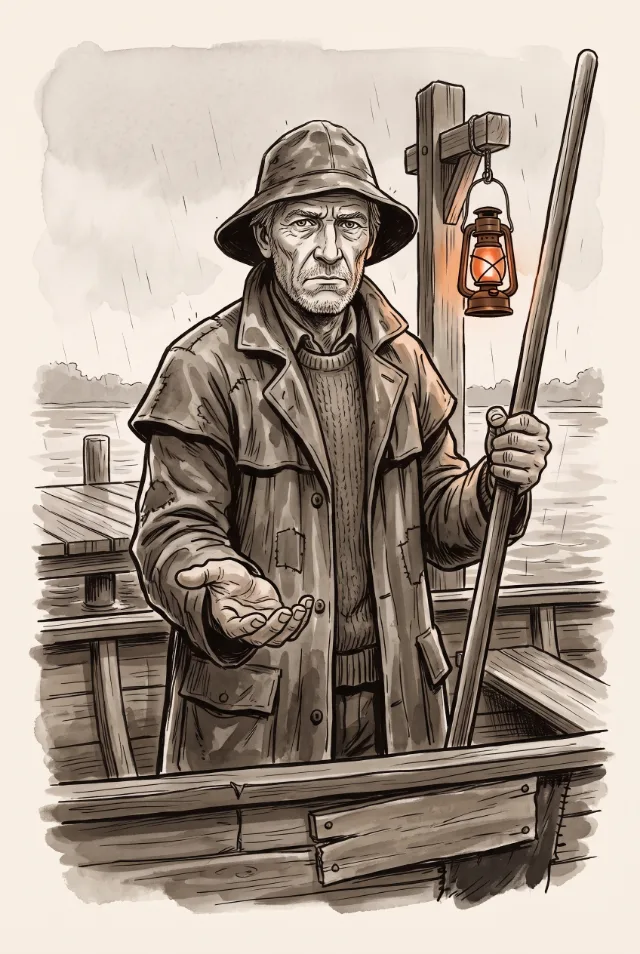
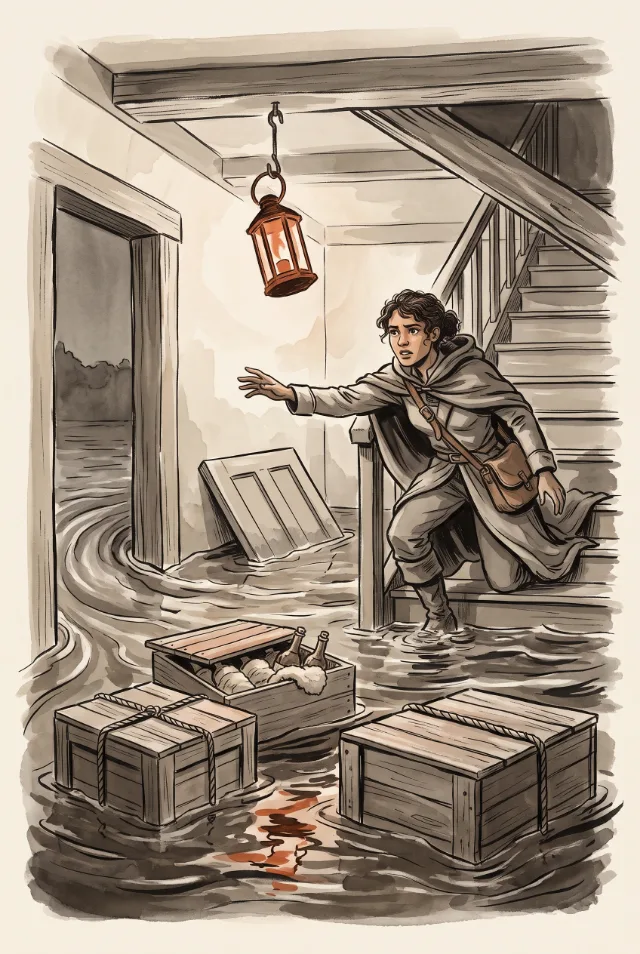
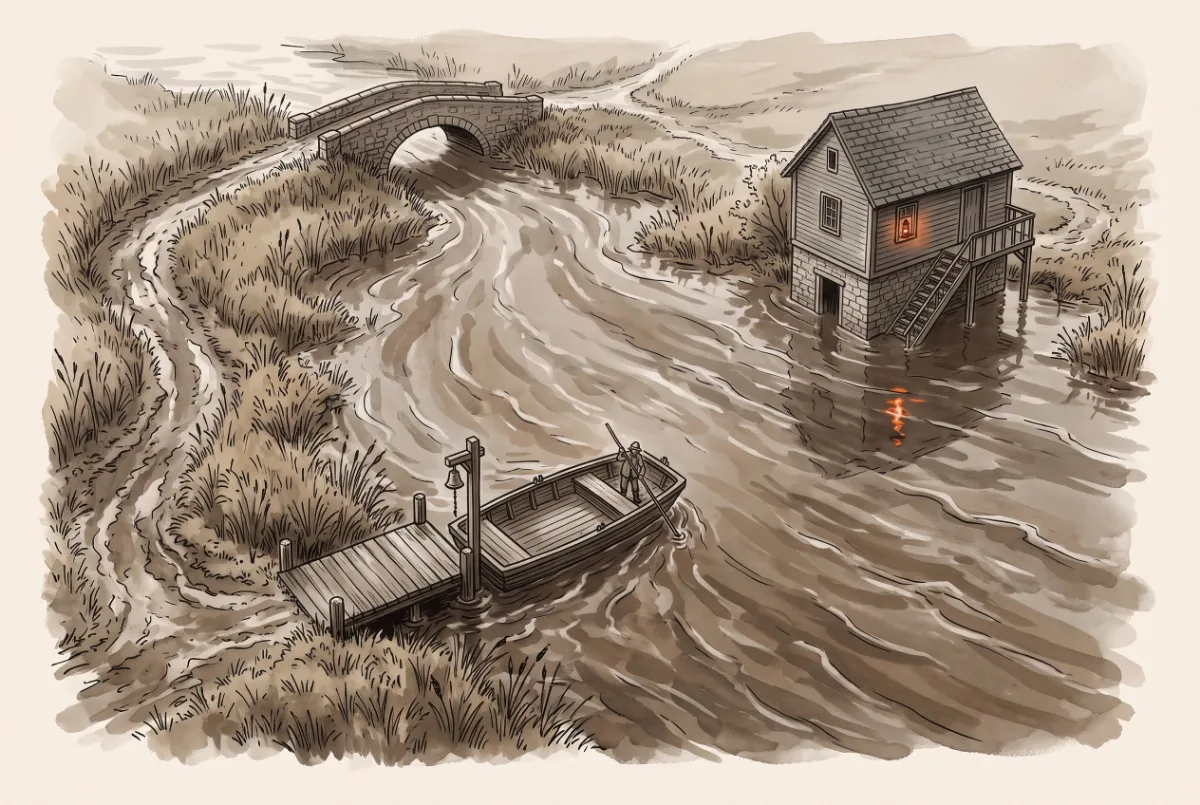
Illustration generated with Google Gemini.
The same adventure as a guide
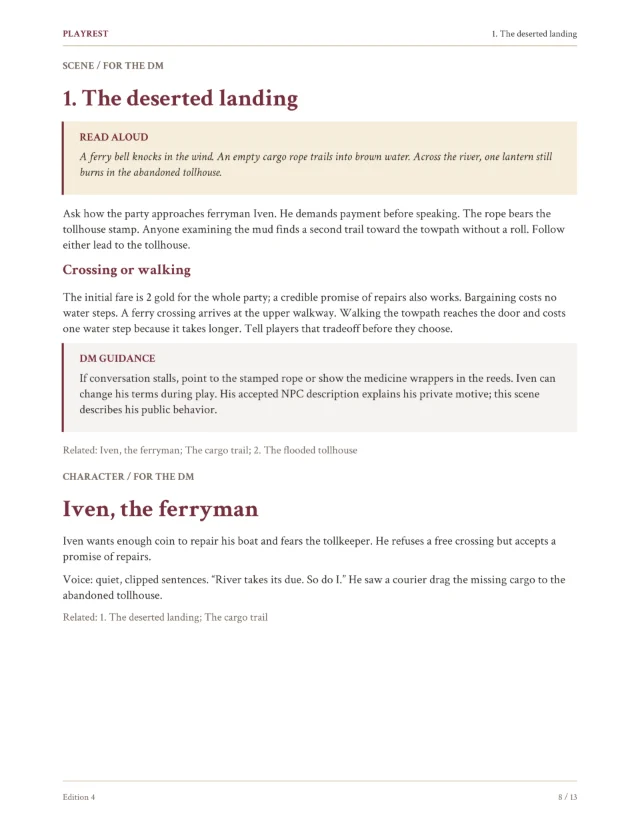
Pages from the printable guide.
Next
Make your own adventure.
Yours starts from your idea or your notes: DM Console drafts it, and you read it, change what you want and keep it. What DM Console does. Free through December 31, 2026, one adventure per person.